
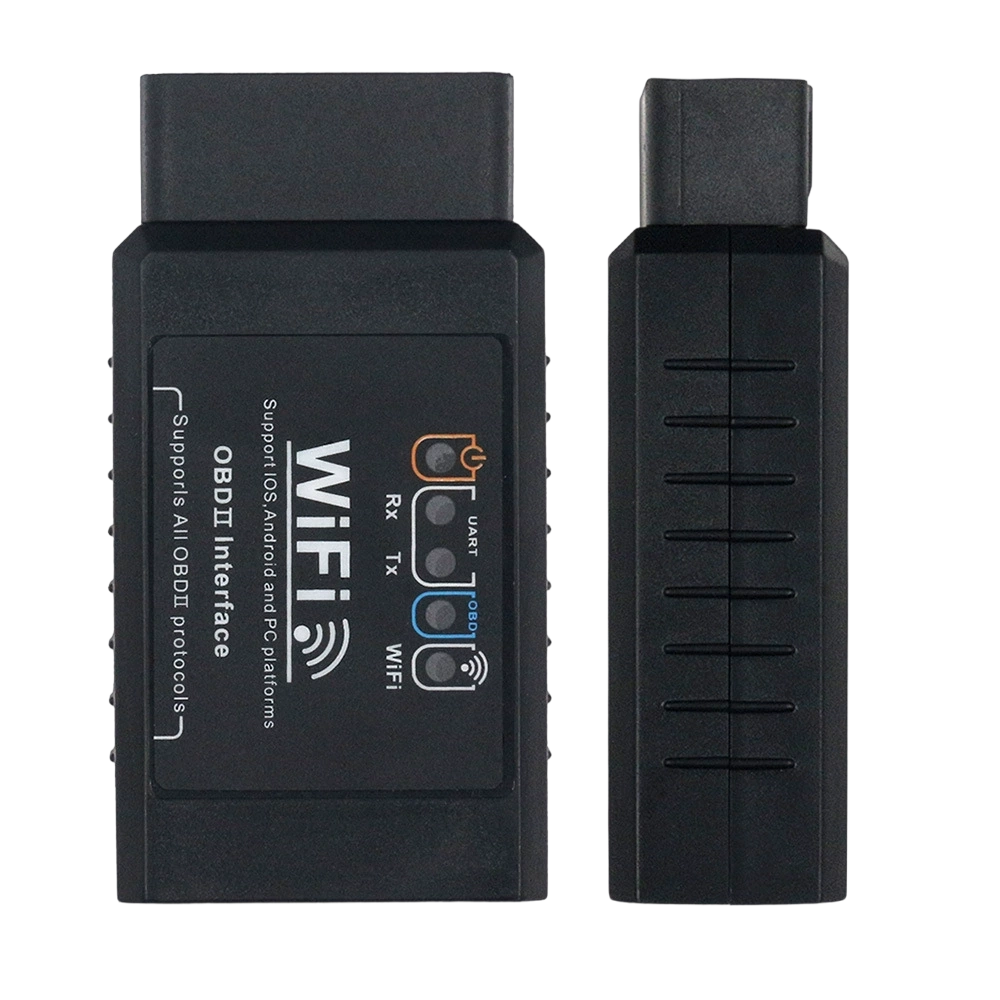


WiFi OBD2 Adapter B18
The B18 is a high-performance OBD2 Wi-Fi adapter designed for users who require fast, stable, and reliable communication between their vehicle and mobile devices. Unlike traditional Bluetooth adapters, the B18 leverages WiFi connectivity to provide superior data transfer speeds, making it the ideal choice for real-time monitoring, deep-system diagnostics, and complex software development.
Whether you are a professional technician or a tech-savvy car owner, the B18 offers a seamless wireless bridge to your vehicle’s most critical data.
Why the B18 is the Smarter Wireless Choice
High-Speed Data Transmission: WiFi connectivity ensures lower latency and higher bandwidth compared to standard Bluetooth. This allows for smoother live data graphs and faster scanning of complex modules.
Universal Protocol Support: The B18 supports all 9 standard OBDII protocols, including SAE J1850 (PWM/VPW), ISO9141-2, and CAN bus systems. It is compatible with a vast range of 12V gasoline and diesel vehicles.
Professional Grade Durability: Built with a robust housing and a compact form factor, the B18 is designed to stay securely in the OBDII port while resisting the wear and tear of daily professional use.
Multi-Platform Compatibility: Easily connect to your smartphone, tablet, or PC. The B18 works with a wide variety of popular diagnostic applications, giving you the freedom to choose your preferred software.
Streamlined Integration: Its reliable connection makes it a top choice for fleet management, system integration, and bulk deployment projects where consistent performance is a mechanical necessity.
Core Capabilities
Instant Code Reset: Quickly read and clear Diagnostic Trouble Codes (DTCs) to turn off the "Check Engine" light.
Live Performance Monitoring: Stream real-time engine data, including fuel trim, coolant temperature, and intake manifold pressure.
Comprehensive System Checks: Access I/M readiness status, freeze-frame data, and O2 sensor results to ensure your vehicle is road-ready and emissions-compliant.
Vehicle Identification: Retrieve VIN and other ECU identifiers with a single click.
Technical Specifications
Feature | Detail |
Model | B18 |
Connection Type | High-Speed WiFi |
Supported Protocols | All 9 Standard OBDII Protocols (SAE, ISO, CAN) |
Vehicle Compatibility | 12V Gasoline & Diesel (OBDII Compliant) |
Product Size | 78.5 × 46 × 25.5 mm |
Net Weight | 53 g |
Efficiency Note
To maintain peak performance during long diagnostic sessions, ensure your mobile device is connected to the B18's dedicated WiFi network. This ensures a direct, interference-free link to your vehicle’s ECU.
Unlock your car's true potential with the B18 obd2 wifi adapter—the reliable, high-speed solution for modern automotive diagnostics.
1. 14-Day Return Guarantee
We offer a 14-day return window. You have 14 days from the date of delivery to request a return for your item.
2. Eligibility Criteria
To qualify for a return, the item must meet the following conditions:
The product must be in its original, unused condition.
All original packaging, tags, and accessories must be included.
A valid proof of purchase or order number is required.
3. Return Shipping Costs
Defective or Incorrect Items: If the return is due to a manufacturer defect, damage upon arrival, or the wrong item being sent, CHEPQ will cover all return shipping costs.
Change of Mind: For returns due to personal preference or accidental orders, the customer is responsible for the return shipping fees.
4. Return Process
Email service@chepq.com to initiate your return request.
Upon approval, you will receive specific instructions and the return warehouse address.
Do not send items back without prior authorization, as they will not be accepted.
5. Refunds
Once we receive and inspect your returned item, we will notify you of the approval or rejection of your refund. Approved refunds are processed automatically to your original payment method within 5–7 business days.
6. Contact Information
For any questions regarding shipping or returns, please reach us at:
Email: service@chepq.com
